

The buyer can see your product's appeal. They still have to survive moving into it.
“Import your data and get started” can conceal a remarkable amount of work.
Which data? With whose permission? Do the attachments come across? What happens to the automations, the old links, the reports the finance team trusts, and the customer records that have acquired six different spellings over the years?
A migration guide earns its space by answering those questions before the buyer commits. A page that shows the upload button and ignores everything around it leaves the hard work to the person least equipped to promise an easy move: your champion.
I would publish the awkward parts.
The SaaS migration planning workbook supplies a data inventory, responsibility map, rehearsal checklist, and cutover/recovery plan. It is an editable planning aid. It cannot validate a particular vendor's import process or replace a technical migration review.

Name the move you actually support
Start with the source product, destination product, supported configuration, and the route between them. “Move from your existing system” is too vague to help a buyer assess the risk.
Distinguish a vendor-supported import from a partner-led move, an API-based transfer, and a manual reconstruction of settings. State what each route covers. Link to the current official documentation for the products involved.
Version-sensitive details need a verification date. An export format or an import limit can change. If the guide depends on a particular plan, permission, region, or feature, put that condition beside the step.
You can publish a general planning guide without pretending that it is a tested runbook for every stack. This article does that. The actual product-specific guide needs evidence from the responsible technical owners.
Say what the guide excludes. Moving customer records may leave configuration, audit history, saved views, and automations behind. A buyer needs those boundaries before they start equating a successful import with a completed migration.
The exclusions should be easy to find. Burying them in a footnote is a creative approach to handing delivery a problem.
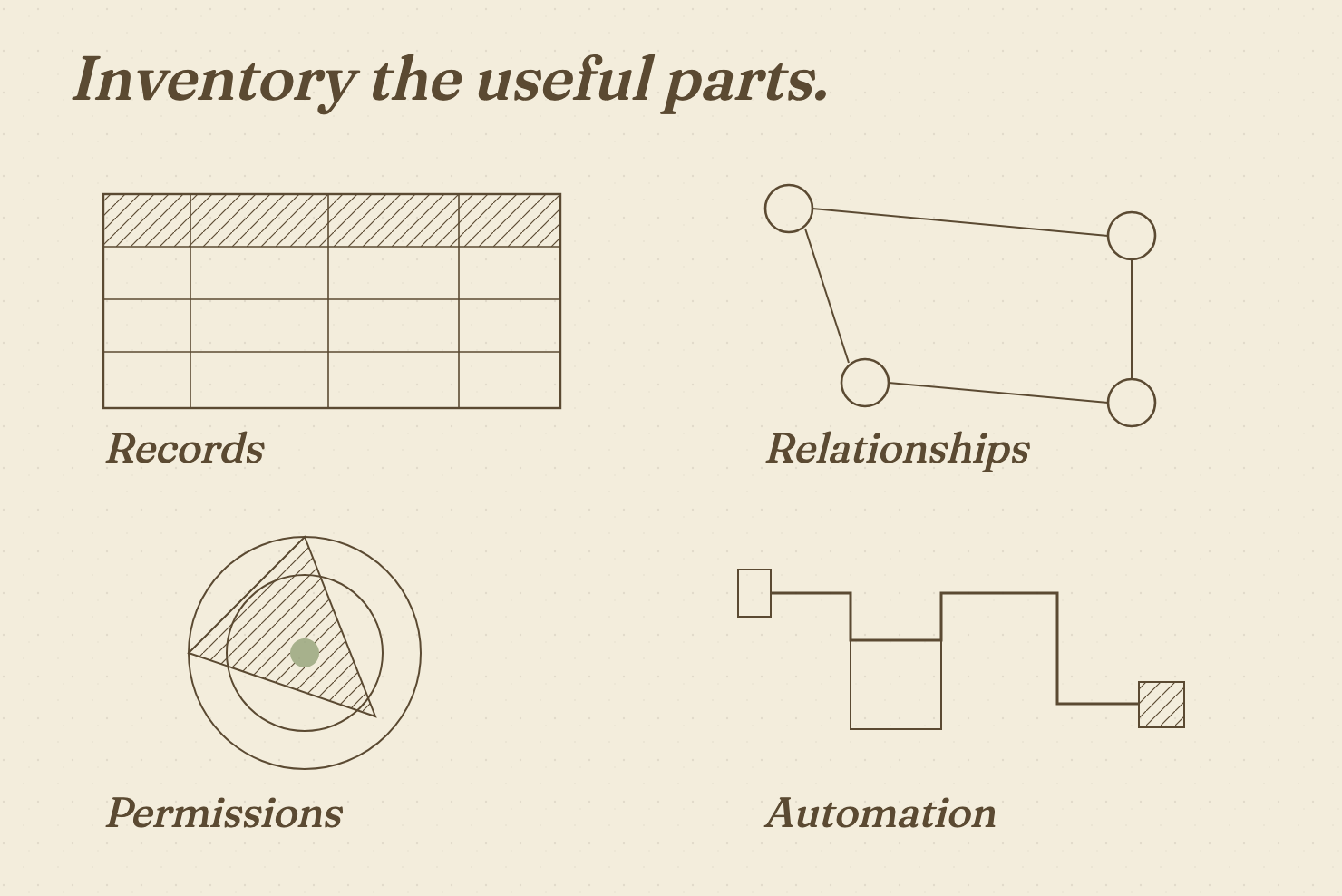
Inventory more than the obvious records
Create a list of the things the business needs after the move. It should include the data itself and the ways people use it.
For a hypothetical CRM change, contacts and companies are an obvious start. The team may also rely on activity history, ownership, attachments, associations, saved reports, workflow rules, suppression settings, and integrations. The exact list depends on the products and the business; those examples are prompts to investigate.
Separate each item into a row. Record its source, destination treatment, owner, sensitivity, retention requirement, and verification method.
| Item | Question to settle before the move |
|---|---|
| Core records | Which fields and identifiers must survive? |
| Relationships | Which associations or hierarchies must remain intact? |
| Files and history | What transfers, what remains accessible elsewhere? |
| Rules and automation | Which settings transfer and which must be rebuilt? |
| Permissions | Who needs access, and who must lose it? |
| Reports and integrations | Which downstream processes depend on the old system? |
Do not use the number of rows transferred as the only acceptance check. A dataset can contain the expected number of records and still connect them incorrectly.
Choose checks that fit the business use. Inspect a sample of relationships, validate required fields, compare agreed totals, and test the tasks people must complete. Define the sample and the conditions with the technical owner; do not describe a casual glance as a full validation.
The workbook provides a place to record those checks and their results. Empty result cells mean the work has not been evidenced yet.
Give every dependency an owner
A migration plan needs names beside the work.
Record who approves access, exports data, cleans it, runs the transfer, rebuilds configuration, validates the result, and makes the go/no-go decision. Some jobs sit with the vendor. Others sit with the buyer or a partner.
State the split in the public guide where it is standard. For anything that needs discovery, explain how the buyer gets a scoped answer.
A sentence such as “your team remains responsible for recreating custom workflow rules” is commercially useful even if it makes the move sound less convenient. It lets the buyer plan the staffing and ask a better question before signing.
Include dependencies on other systems. An identity provider, billing integration, support channel, or reporting pipeline can turn an otherwise simple transfer into a coordinated change.
For each dependency, record the required access, the person who controls it, and the condition that must be met before cutover. “Waiting on IT” is a status, not an owner.
The guide should let a project lead see where the plan can stall. If the answer requires a named administrator who is unavailable for a month, a cheerful estimate of “a few days” has no business being on the page.
Rehearse against a written acceptance test
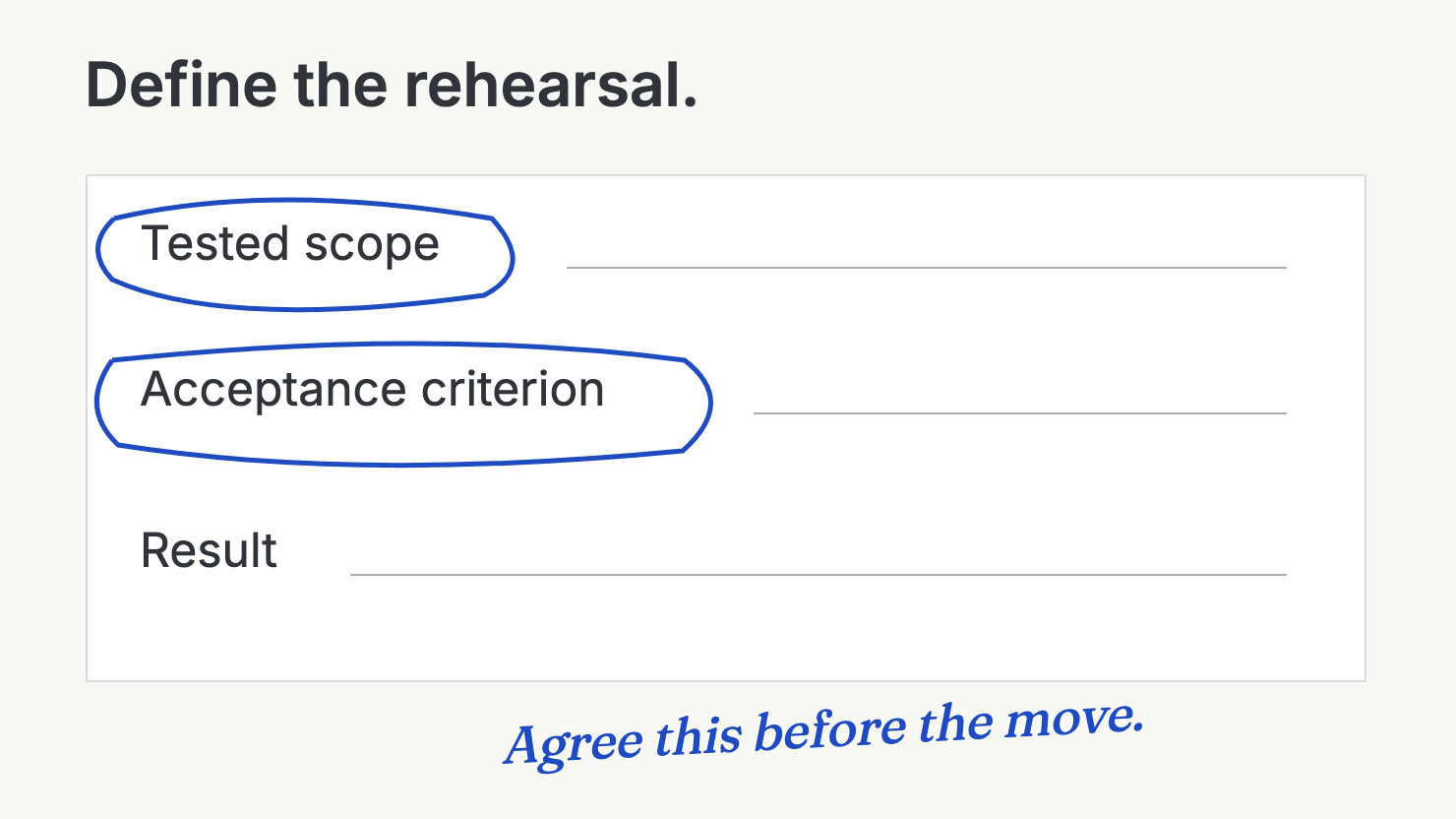
A rehearsal lets the team learn before the live move. It needs a defined environment, permitted data, and a clear test plan.
Use anonymised or otherwise appropriately controlled data where required. Do not copy private customer information into an unsuitable test environment because it would be quicker.
Pick a representative sample with the technical owner. Include awkward records and relationships, rather than selecting only the clean rows that make the importer look clever.
State what a successful rehearsal means. The team should know which records, permissions, user tasks, and downstream processes it must check. Record defects and the next action for each one.
Where a guide includes technical steps, verify them against the actual products. A general article cannot safely invent export commands or a rollback process for a system it has never inspected.
The PostgreSQL documentation on backup and restore, for example, distinguishes different approaches to backing up a database. That illustrates why “we have a backup” is an incomplete recovery claim. It does not supply a recovery plan for your SaaS application, which may depend on other services and data stores.
Ask the responsible team to explain how recovery works in this case. A rehearsal should expose what remains uncertain, rather than provide a certificate of universal safety.
Treat rollback as a decision with a deadline
A migration guide should explain what happens when the result fails the agreed checks.
Who can stop the cutover? Which conditions trigger that decision? Where will users work if the destination cannot be accepted? What happens to new data created during the change?
The answers are product-specific. A buyer needs a scoped recovery plan, including its limits. Keeping a source system available can help, but that alone does not prove that the business can resume work without losing or reconciling changes.
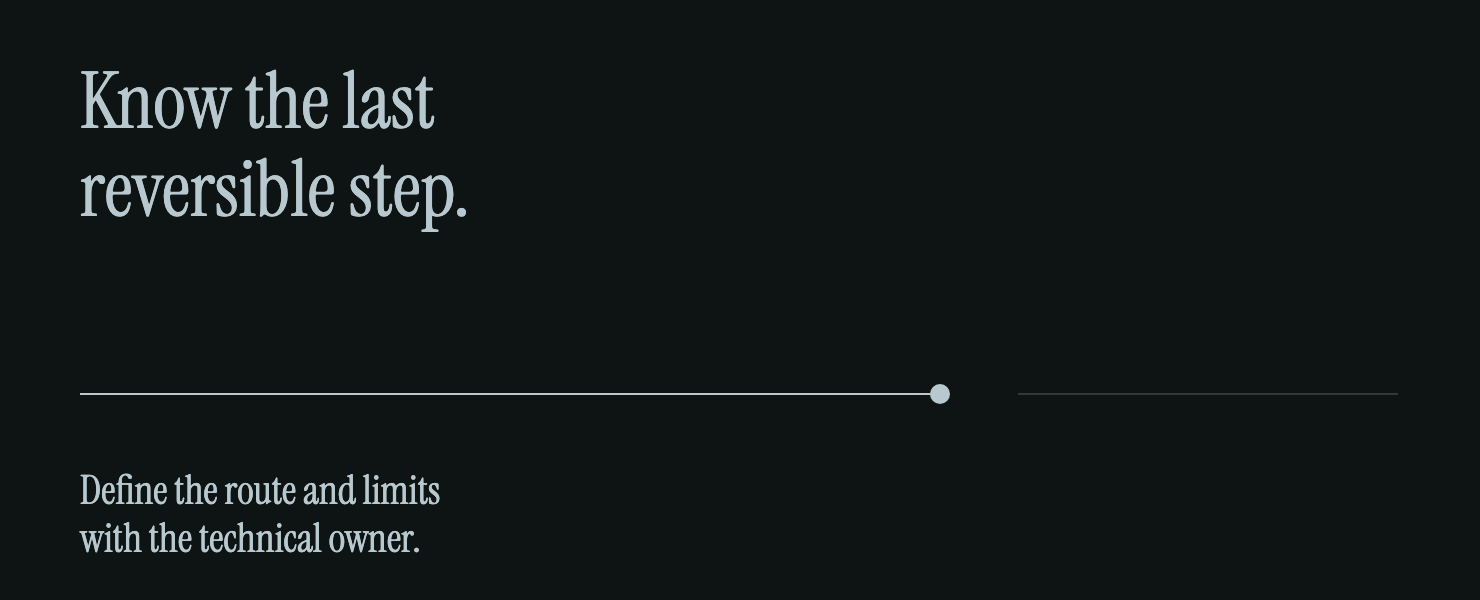
Record the last point at which the team can take each recovery route. Some steps may be reversible; others may require manual reconciliation or vendor help. Put that distinction in writing.
Keep the go/no-go owner separate from the person who simply wants to finish the project. Agree the acceptance checks in advance. An exhausted team at midnight should not have to invent the definition of “good enough” while users wait.
The workbook's Cutover sheet has fields for the task, owner, prerequisites, acceptance check, recovery route, and decision point. Populate those fields with the relevant owners. A blank cell is an open question, not an invitation to assume the best.
Make the time and cost assumptions visible
A useful estimate describes its assumptions.
State the scope, data volume or complexity, access requirements, buyer staffing, and the work that sits outside the quoted move. If the estimate depends on a clean export, say what “clean” means.
Include effort after the transfer. Training, report checks, integration monitoring, and correcting newly discovered issues may continue after the headline cutover date.
A product team can often publish ranges or explain what changes the estimate without promising the same timetable to every buyer. Have the delivery owner approve the wording. If the answer needs a scoped review, give the buyer a clear route to that review.
Separate subscription pricing from migration cost. A low monthly plan can still require a difficult move. Conversely, a larger contract may include services that need to be described and bounded.
Write currency, billing period, and inclusions beside any number you publish. Recheck the official source before publication. This article deliberately contains no vendor price estimates; it supplies the questions needed to produce an honest one.
Give the buyer a route through the guide
Organise the public page around decisions, rather than the order in which marketing received screenshots.
A reader should be able to establish whether their move is supported, what transfers, what they must prepare, who owns the work, how the team tests the result, and what recovery is possible.
Use clear headings and a table of scope where that helps. Link to current product documentation on the relevant words. Keep the important exclusions in the main reading path.
A short fit section can say when the standard route is appropriate and when the buyer needs a specialist assessment. That section may prevent a poor purchase. Good.
For the technical team, provide the detailed runbook through the appropriate route. For the champion, provide a concise planning summary they can forward. These readers need different depths of the same truthful account.
The migration guide should also link to the relevant decision-stage evidence, such as costs, security requirements, and implementation limits. A switching decision will rarely be settled by an import tutorial alone.
Keep the guide tied to the product
Give the page an owner and a maintenance trigger. Review it when supported formats, plan boundaries, dependencies, or the migration route change. A date alone cannot keep the facts current.
Ask delivery which steps buyers keep misunderstanding. Record corrections and revise the public explanation. Do not add reassuring claims faster than the team can verify them.
Wrap-up
Your guide should make the buyer's planning work easier, even when the move remains difficult. Show the supported route, the inventory, the responsibility split, and the checks that decide whether the result is usable. Keep recovery limits visible. Estimate effort from stated assumptions. A buyer can defend that account to the people who will live with the change. They cannot defend “get started in minutes” when it means someone spends the next month reconstructing the old system's useful bits. Give the migration an honest shape before giving it a landing page.
Want to get ahead?
Complete the migration workbook with the people who would run the move, then scan the public guide for the answers a buyer still cannot find.