

Before paying for another visibility score, find out whether the useful facts survive outside your own browser.
The pricing page looks excellent on your laptop. The visitor gets a polished layout, animated plan cards, a billing toggle, and a reassuringly smooth transition when they choose a different tier.
Now inspect the page's initial HTML response.
The useful price may be there. It may also be absent until JavaScript runs, a request succeeds, a cookie is accepted, or the visitor makes a choice. You need to check rather than assume.
Your browser's experience and a particular crawler's access are different observations. A screenshot cannot settle both.
The SaaS website extractability checklist gives you a record for access, initial content, rendered content, product facts, and the next fix. It is a manual audit workbook. It does not certify that an AI system will retrieve, cite, or recommend your site.
Separate access from usefulness
I would inspect the site in layers.
Can the relevant client reach the URL? What content does the initial response contain? What appears after rendering? Does that content answer the buyer's question accurately? Does the wider discovery system choose to use it?
Those questions require different evidence.
A 200 response is an access observation. A visible price is a content observation. A saved answer citing the page is a retrieval observation. A recommendation of your product is another outcome again.
Do not collapse them into a single verdict called “AI-ready”. A site can be easy to fetch and unhelpful to a buyer. A useful page can also sit behind an access rule that the intended search crawler cannot pass.
The workbook separates the observations so that an owner can fix the actual problem. It asks for the URL, date, client or method, response, visible content, and evidence reference. Failed tests stay in the record.
For the first pass, choose a few pages that matter commercially: a pricing page, a product or fit page, an implementation or documentation page, and a comparison. Inspect the pages you expect to influence a buying decision.
An arbitrary sample of blog posts may miss the place where the product facts are getting lost.
Check the actual response
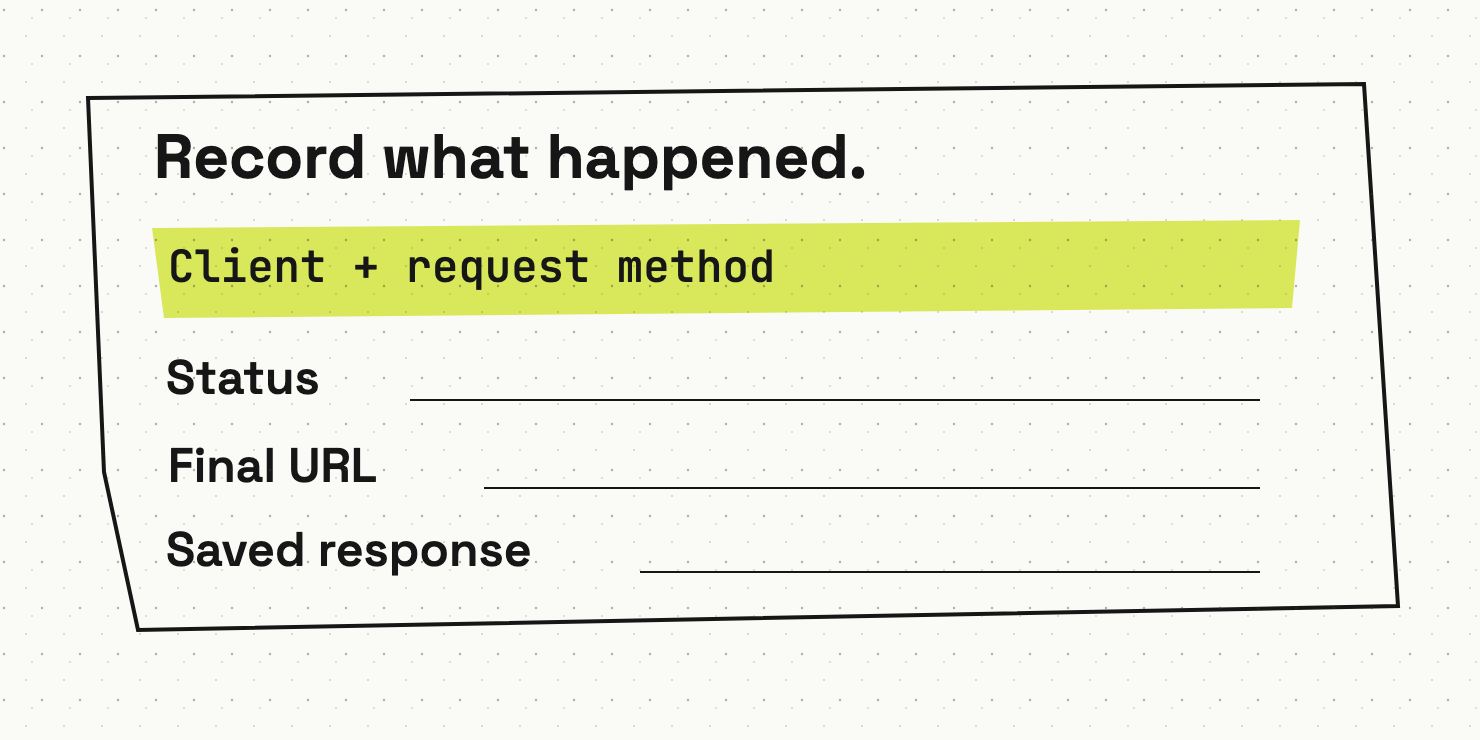
Use an appropriate request method to inspect the public response without bypassing access controls. Record the status, redirects, and final URL. Save a copy of the response where permitted.
A public page returning a login screen, an access challenge, or an unexpected error deserves investigation. Do not call every 403 a deliberate crawler block; configuration, geography, client behaviour, and other factors may affect the result.
Inspect the relevant robots rules separately. Check the actual user agent and the policy that applies to it. Do not infer a search engine's complete access from a single request made with a familiar-looking user-agent string.
OpenAI's crawler documentation distinguishes OAI-SearchBot, used for search, from GPTBot, used for model training. It says those settings can be controlled independently. Your team can make a training decision without confusing it with the search-access decision.
Bring whoever owns the CDN, firewall, and site delivery into this review. A correct robots file cannot explain every failure on the route to the content.
Record what you tested and what it established. “Our request received the expected page” is defensible. “Every AI can now read us” is a much larger claim than the test can carry.
Compare initial and rendered content
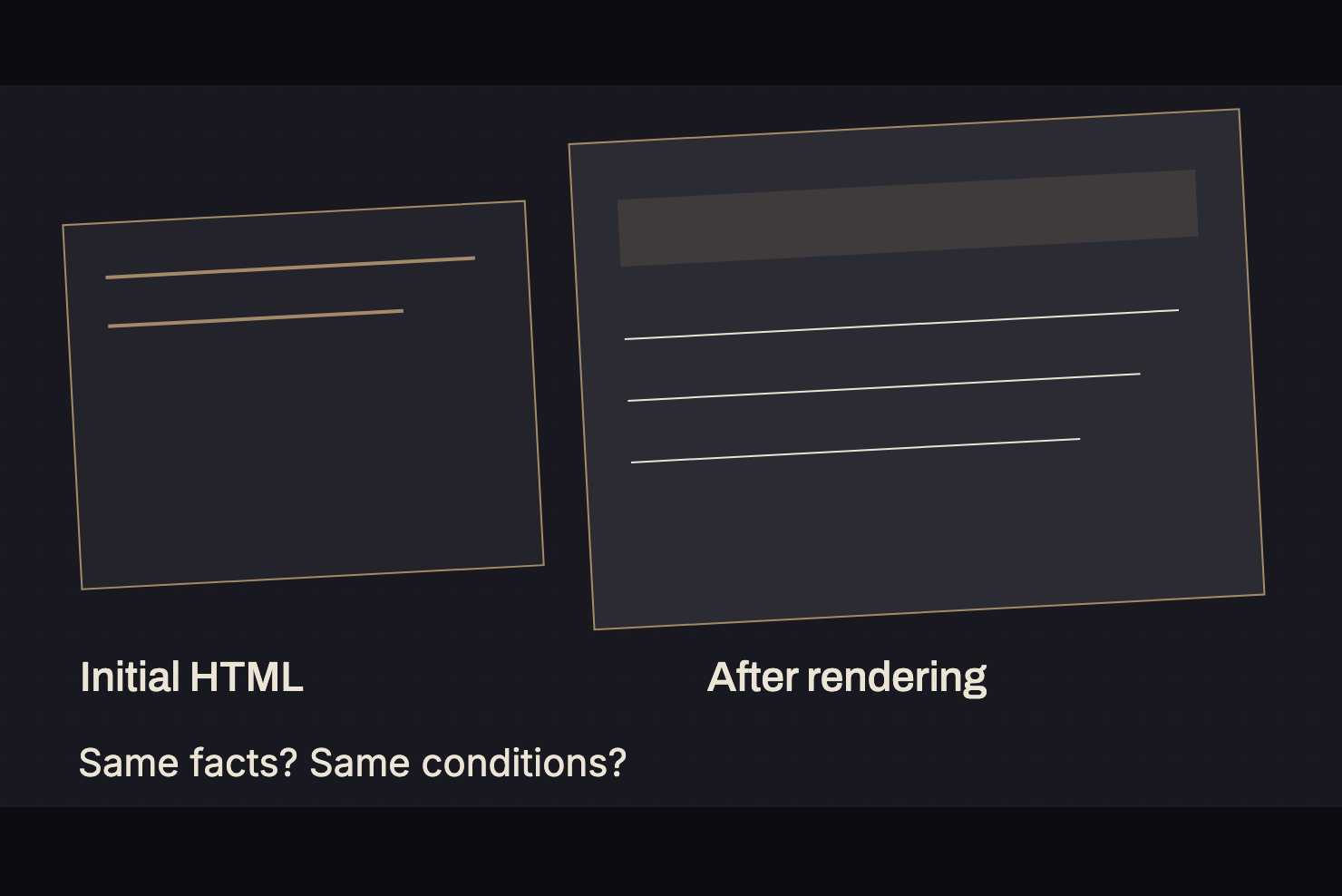
Save the initial HTML, then inspect the page in a browser under stated conditions. Record the session state, language, region where relevant, and whether the browser had to interact with the page.
Look for the same decision-relevant facts in both versions. Does the raw response contain the plan names, price units, required features, and important limits? Does rendering add them? Does the content require a billing toggle or an authenticated request?
Google's JavaScript SEO guidance describes its crawling, rendering, and indexing process. It also provides ways to inspect rendered content for Google. That documentation concerns Google's systems; it does not prove that another client performs the same rendering or interaction.
This distinction should stop the usual argument in which one person says JavaScript is always fatal and another says Google renders it, therefore every agent must be fine.
Test the relevant client or product where possible. Keep the result specific.
If you publish important facts only after a browser interaction, consider making a clear public HTML explanation available as well. Verify that the explanation stays consistent with the product interface. Two contradictory pricing descriptions create a new problem while appearing to solve the old one.
Inspect the facts a buyer needs
A page can contain plenty of readable text and still omit the answer.
For pricing, inspect currency, billing period, billing unit, minimum commitment, limits, and feature gates. A number such as “$49” supplies little decision evidence without its conditions.
For documentation, inspect supported configurations, dependencies, permissions, and product versions. For a comparison, inspect the intended reader, fit rules, trade-offs, and supporting sources.
| Page | Facts worth checking |
|---|---|
| Pricing | Unit, term, limits, minimums, plan conditions |
| Product fit | Intended user, use case, constraints, unsuitable scenarios |
| Documentation | Supported configuration, prerequisites, scope, owner |
| Comparison | Buyer question, named options, trade-offs, current evidence |
| Security route | Public scope, controlled documents, contact and process |
Check the wording as well as the presence of a term. A page mentioning “SSO” in a list of enterprise aspirations does not establish which plan supports it or how the buyer should configure it.
Keep those qualifications beside the claim. Separate pages can carry deeper evidence, provided the reader can reach the right source through a clear link.
Have the appropriate product owner verify the fact. The technical audit should not become a copywriter's guess about the product just because the HTML is easy to inspect.
Prefer structure that helps people too
Use normal headings, meaningful links, accessible tables where appropriate, and labels that explain what the reader is looking at. Give images useful alt text, while keeping the essential product facts in readable content where possible.
A plan comparison should explain its units in the table or surrounding text. A step-by-step guide should name its prerequisites before asking the reader to perform the steps. A documentation page should distinguish supported behaviour from an example.
These choices make the page easier to use. They also make the information easier to inspect with different tools and clients. That is a sensible foundation; it cannot guarantee selection by a search or answer system.
Do not break a useful article into tiny artificial fragments because a vendor has sold you a precise-sounding paragraph length. Keep the answer coherent. A buyer should not have to reconstruct a decision from a pile of isolated definitions.
The same applies to structured data. It should match the visible page. A hidden claim in markup cannot repair a misleading public explanation.
Google says its AI search features require no special AI files or schema. Treat that as a useful constraint on the sales pitch: ordinary discovery and content work still matter.
Use a scanner as an inspection aid
The DataDab AI Extractability Audit can help identify problems worth inspecting. Read the result as a diagnostic under its stated conditions, rather than a promise that a consumer AI product will cite you.
A score is a summary of the tool's checks. Ask which underlying observations produced it. Open the page, inspect the evidence, and decide whether the finding affects a buyer's task.
For example, a difference between raw and rendered content can suggest that important facts depend on client-side behaviour. It should prompt a review of what was fetched, what was rendered, and whether access conditions explain the gap.
A single tool run cannot show everything about every crawler. Repeat an unclear result under recorded conditions, and ask the technical owner to investigate rather than treating the first label as final.
Likewise, a model-memory probe describes that probe. It is different from watching a named search-enabled product retrieve and cite your live page. Keep those measures separate in the report.
The audit workbook has an Evidence column because the team needs to inspect what happened. A score alone leaves the cause out of reach.
Assign fixes to the right owner
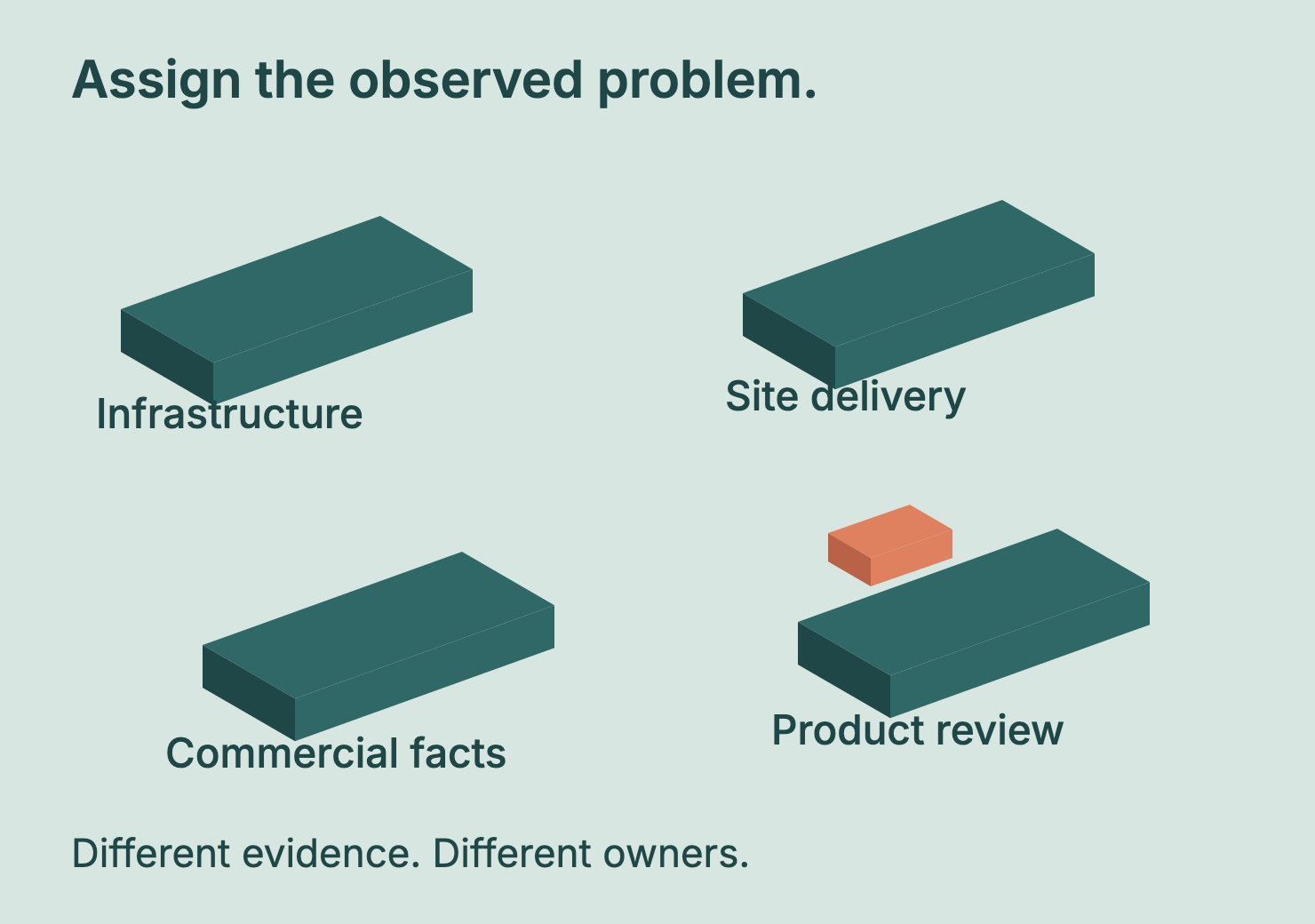
Classify the problem before sending it to the writer.
An access rule may need the infrastructure owner. Missing initial HTML may need the site-delivery team. An ambiguous cost unit may need the commercial owner and editor. A stale product claim may need product review before anyone changes the paragraph.
Record the observed problem, the affected buyer question, the owner, and the next test. Keep the original evidence so that the team can compare the result after the change.
Do not request a whole-site rebuild because one page's audit returned an unhappy colour. Start with the smallest supported fix. Verify it through the path the reader or relevant client actually uses.
Keep the important pages under maintenance. New interfaces, plan changes, access controls, and documentation reorganisations can alter the observations. A successful check in one release cannot stand in for every later version.
For an illustrative action, the team might publish a verified text explanation of a pricing constraint that currently appears only inside an interactive card. The follow-up test should inspect that constraint in the public response, not merely confirm that a new paragraph exists in the CMS.
A result from code the reader never reaches is poor evidence about the reader's experience.
Recheck discovery as a separate outcome
Once the access and content problem is fixed, keep monitoring the actual discovery outcome separately. Is the relevant page indexed where needed? Does a saved search-enabled answer retrieve or cite it? What does that answer say about the product?
Record the date, product, prompt, and conditions. Keep failed attempts and contradictory answers visible. Do not declare that the technical change caused a citation simply because one appeared later.
This audit should produce a sharper work queue. It can reveal missing facts, inaccessible explanations, unclear units, and the wrong owner for a fix. Those are useful findings even before a citation count changes.
Wrap-up
I would start with the pages buyers need to evaluate the purchase. Inspect the response, the rendered content, and the exact facts. Keep each client's behaviour specific. Make the public answer clear enough for a human to use, then verify that the intended access path actually exposes it. Your next investment may be a small product-page correction rather than a new content campaign. A tidy score cannot settle that choice. A saved observation, a named owner, and a successful recheck give the team something firmer to work with.
Want to get ahead?
Complete the extractability checklist for your pricing and implementation pages, then run the AI Extractability Audit to compare the findings.