

Your successful comparison deserves a maintenance plan, rather than a new personality every quarter.
An editor opens an old comparison page. The plan names look dated. A pricing table needs work. The introduction sounds like it escaped from a software brochure.
The temptation is to rewrite the lot.
I would take a backup first, then identify what the page helps a buyer decide. A useful comparison can survive an awkward sentence. It cannot survive a refresh that removes the fit rules, merges the competing options into generic prose, and leaves the new prices without their billing conditions.
Maintenance requires judgement. The date on the page gives you very little of it.
The comparison-page refresh workbook contains a baseline record, claim register, decision-structure checklist, release checks, and follow-up log. It is designed for a careful update to an existing asset. It supplies no vendor prices or claims that you can copy without checking.
Record the page before changing it
Save the current content, its URL, title, canonical setting, meaningful headings, and supporting links. Use a backup method that preserves the CMS's actual content representation and embedded cards.
Record the date of the snapshot. If you also save performance data, keep its reporting window, filters, and source. A before-and-after comparison loses value when the periods describe different things.
Inspect which buying question the page answers. It may compare products for a small team, a specific use case, a security requirement, or a particular budget. That scope determines which facts matter.
Our AI-visibility tools comparison is an example of a canonical comparison asset with named options and distinct buying criteria. The principle here is maintenance of that kind of decision structure, rather than a claim that any particular heading causes citations.
Preserve a record of useful passages before editing. Mark the recommendation, the fit limits, the trade-offs, and the conditions a buyer needs to understand. They can all be improved. They should be changed for a reason you can explain.
An old page's performance does not establish why it performed. Keep the structural review separate from the analytics.
Recheck every fact that can move
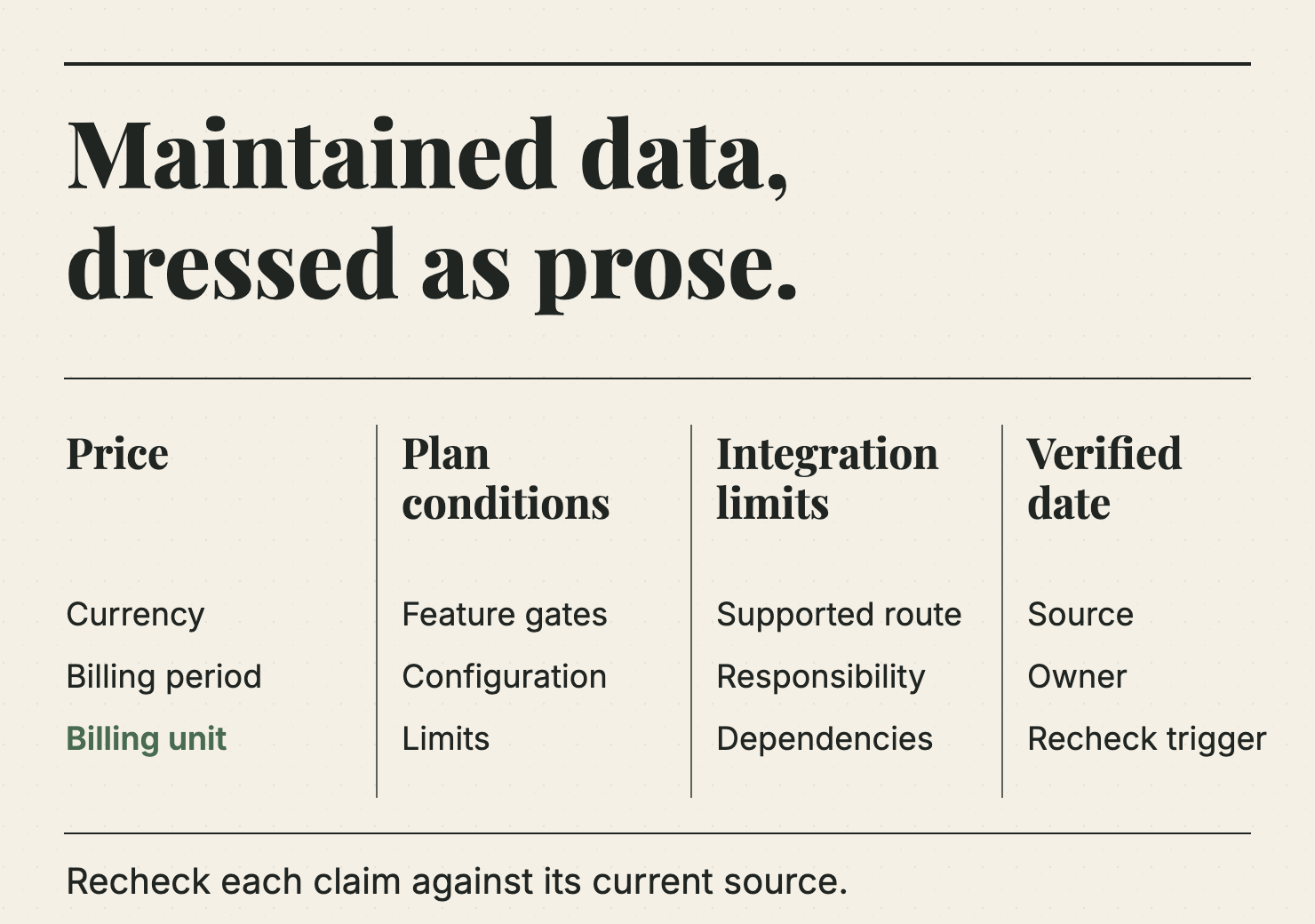
A comparison is maintained data dressed as prose.
Plan names, billing units, prices, feature gates, supported integrations, product ownership, and service terms can change. Review them against current first-party sources, recording when you checked them and which region or billing configuration applies.
The Claim Register tab gives each factual statement a source, a verification date, and an owner. It also lets you mark the statement as current, changed, unclear, or awaiting review.
Unclear is a useful status. It is better than inventing an answer because two pages on the vendor's site disagree.
| Fact to check | Detail that must stay attached |
|---|---|
| Price | Currency, billing period, billing unit, minimum commitment |
| Feature | The plan or configuration in which it is available |
| Integration | The supported connection and relevant limitations |
| Implementation | The scope and assumptions behind any estimate |
| Product positioning | The buyer and use case the vendor actually supports |
| Commercial term | The current policy or agreement that controls it |
A number without its unit can mislead as easily as an old number. A per-seat annual price does not become a sensible comparison with a flat monthly price simply because both fit inside a neat column.
If the official source requires a quote, say that. Do not use an unattributed third-party estimate as a substitute for the missing public price.
Where a product changes identity or ownership, inspect whether the old comparison still describes a useful choice. A new logo does not necessarily mean the old boundaries still apply.
Preserve the decision, not every sentence
Identify which passages help the reader choose under the stated constraints.
A direct recommendation may be useful. So may a section saying when the product is unsuitable. A clear comparison table can save a buyer from extracting trade-offs from a long sequence of promotional paragraphs.
Keep those jobs visible in the revised page.
You can tighten the introduction, remove repeated claims, and improve a weak explanation without destroying the scope. You can also change the recommendation when new evidence supports a different one. Record why it changed.
Preserving useful structure does not require preserving a misleading verdict.
For an illustrative example, imagine a comparison aimed at teams without a dedicated administrator. If a product now requires substantial configuration to use the relevant feature, the fit rule may need to change. That correction is more important than retaining the old recommendation for the sake of continuity.
Do not convert the page into an undifferentiated “best tools” list unless the buying question has genuinely changed. You may win a broader title and lose the reason the original reader needed the page.
A comparison should make disagreement possible. Readers should be able to see the conditions behind the verdict and choose differently when their situation differs.
Keep a sound canonical URL
An existing useful URL is an asset to maintain, not a cosmetic problem to solve every time the title changes.
Google's guidance on canonicalisation explains that it selects a representative URL for duplicate content. Your canonical preference is a signal, not an absolute command. Keep the site coherent around the intended version.
If the existing page still answers the same decision, updating it in place is often the cleaner editorial choice. That avoids producing two competing versions of essentially the same comparison.
If a URL really must move, plan the destination, redirect, canonical setting, internal links, and sitemap together. Verify the actual response path after release. A redirect existing in a configuration file does not prove that the reader lands on the right page.
Inspect query-string and trailing-slash behaviour where your site uses them. Record the initial response and final destination. Treat loops, irrelevant destinations, and unexpected access failures as release problems.
Do not retitle the page for a different audience while silently keeping a recommendation written for the old one. The URL can remain stable; the scope still needs to be honest.
Respect the CMS's content model
A comparison can contain tables, native cards, custom HTML, images, and other elements that a plain-text rewrite will not preserve.
Ghost's Admin API documentation for posts provides the API route for working with the content. The safe editing method still depends on what the post contains. Keep an original copy, preserve its supported editor representation, and inspect the saved result.
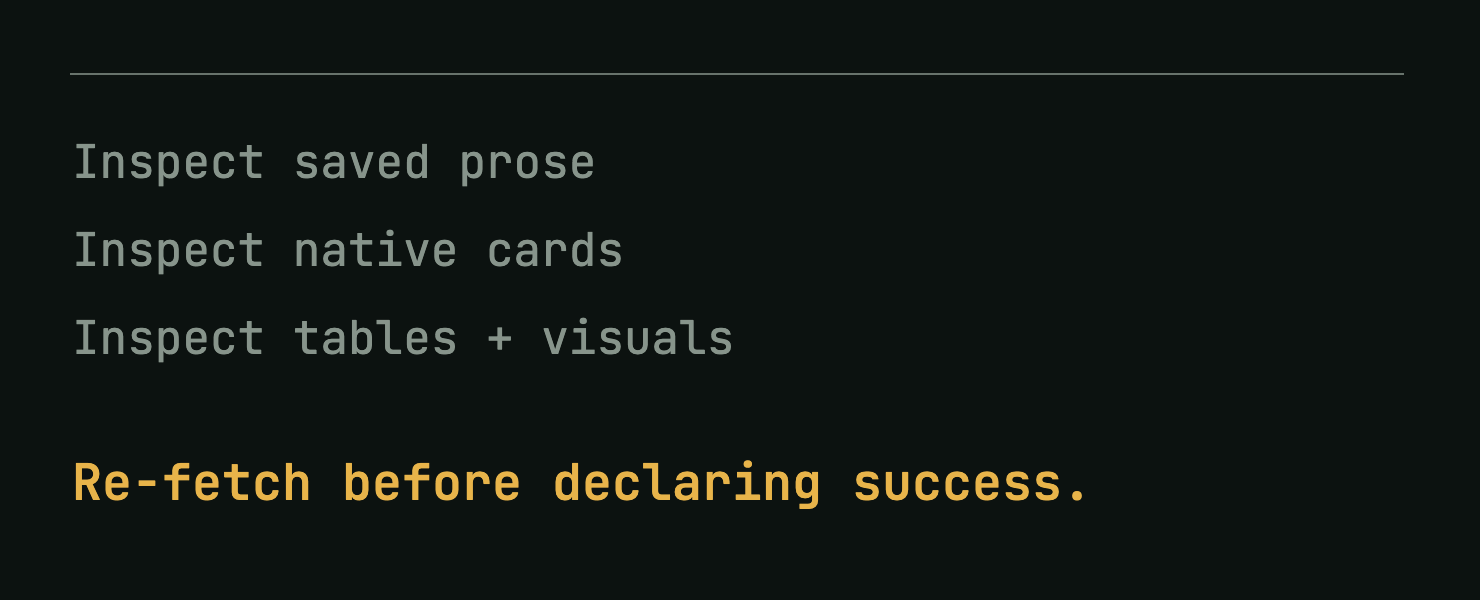
Our workflow treats embedded HTML visuals as load-bearing content. A successful API response is not a visual inspection. After a save, re-fetch the post and check the actual tables, cards, links, and images the CMS stored.
For native Ghost content, preserving the existing Lexical structure is a useful way to avoid flattening everything through a fresh HTML conversion. Do not treat a JSON representation as disposable just because the rendered HTML is easier to read.
The same principle applies to other CMSs. Know which representation the product actually uses, test the update path, and verify the result. The editor preview and the public delivery path can expose different failures.
If your publishing process changes an embedded chart, inspect its underlying numbers as well as its appearance. A polished graphic with a stale price can contradict the new table beneath it.
Publish the correction rather than the ceremony
Give the reader a current verification date where it helps. Explain a material correction if the previous version could have affected a decision.
Google's guidance on publication dates recommends accurate, consistent date information in the visible page and structured data. A changed timestamp should describe a real update; it cannot do the factual work for you.
Use the release log to record what changed. A price, feature gate, fit rule, or comparison scope can each matter. “Updated for the new year” tells the next editor almost nothing.
Do a factual review separately from the copy edit. The person improving the sentence rhythm may not be the person who can verify the technical claim. Give both jobs enough space.
Check the live page after release. Confirm the intended title and canonical, the updated claim, the working source links, and the visibility of the useful decision blocks. Verify any downloadable asset that the page promises.
Keep the table readable. Correct units and accessible structure matter more than decorative styling. A buyer trying to understand a cost model should not need to decode colour alone.
Recheck with the same question
Save the publication time and the actual change record before monitoring the result.
For search data, use comparable windows and filters. For an AI answer panel, keep the questions and collection conditions stable where possible. Record model changes and failed attempts. Do not quietly replace difficult questions with friendlier ones.
A citation appearing after the edit is an observation. It does not, on its own, prove that the edit caused the citation. A lost citation may also have explanations beyond the paragraph you changed.
Use the follow-up to decide whether the page remains accurate and useful. Read the answers that cite it, inspect the buyer questions it receives, and ask sales whether the page still helps with the intended decision.
The workbook keeps that evidence beside the change log. This makes the next maintenance pass less dependent on whoever remembers the last one.
Give maintenance an owner
A comparison should have a person responsible for its factual state and a trigger for review. Time-based review can help; product changes and contradictory evidence should also trigger attention.
Keep a short queue of unresolved claims. Where a vendor's source is unclear, mark the uncertainty and ask for clarification through the appropriate route. Do not let an unresolved number become permanent because it has survived several copy edits.
Wrap-up
I would prefer one well-maintained comparison that a buyer can inspect over several nearly identical pages each claiming to be the latest. Recheck the moving facts. Preserve the useful decision. Change the verdict when the evidence requires it. Keep the canonical path coherent and the CMS cards intact. Record what you changed, then observe the result without pretending to have proved causality. The work is less glamorous than announcing a new content series. It is also how the series remains worth reading when a buyer arrives months after the launch email has disappeared.
Want to get ahead?
Use the refresh workbook on your most useful comparison, then check whether the revised page still gives buyers the evidence they need.