
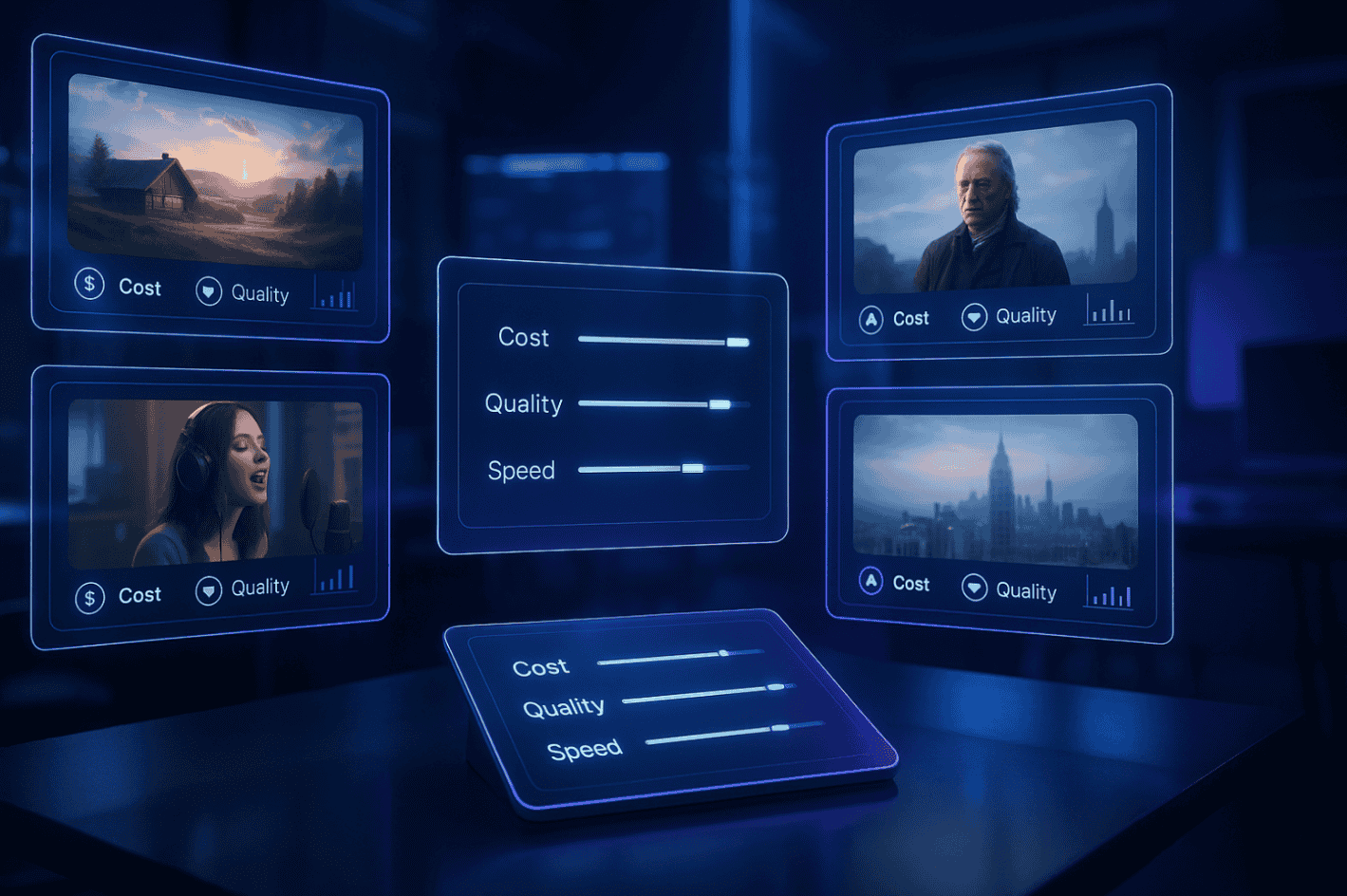
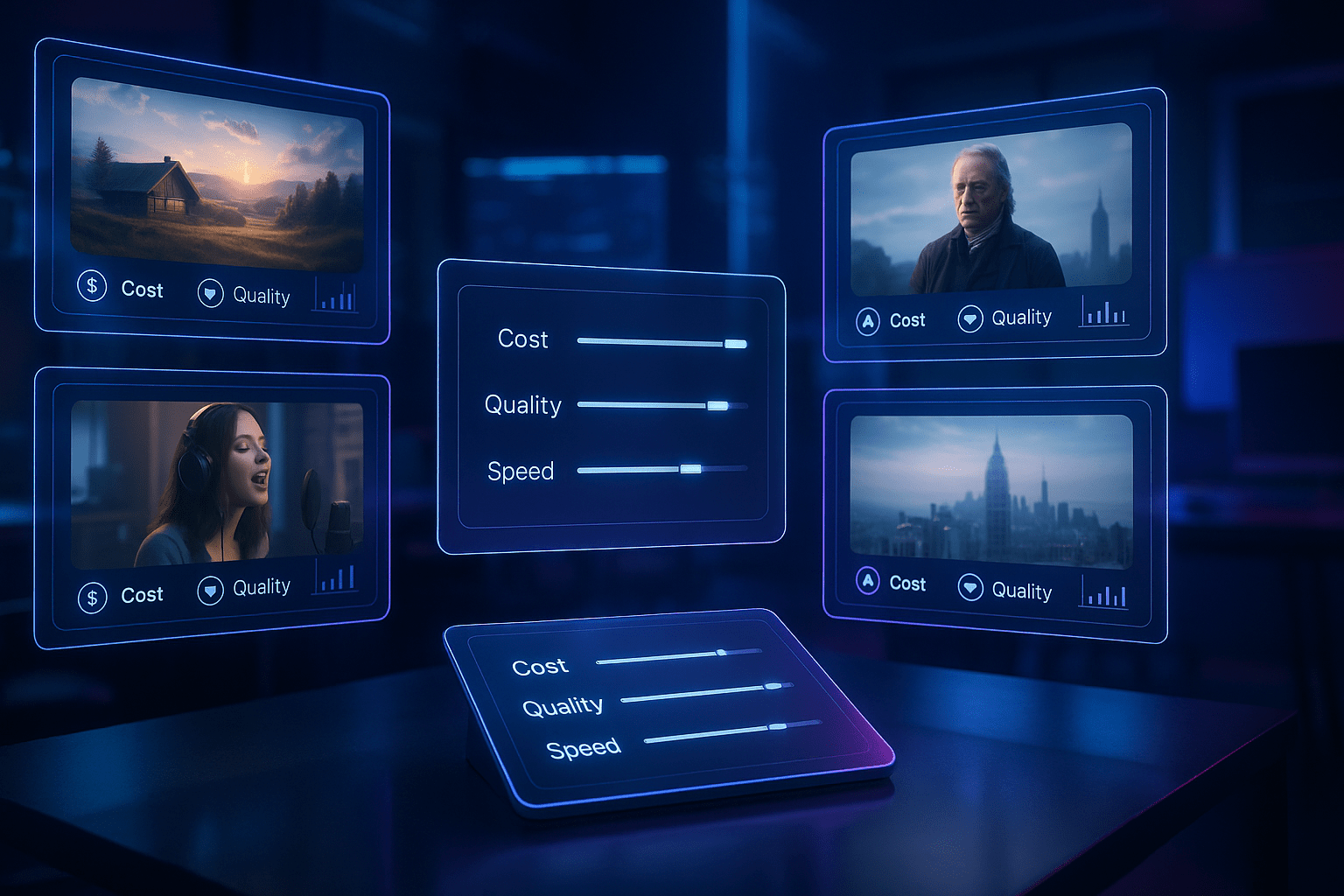
AI video generators exploded over the last 18 months—more than 30 public models leapt from lab demos to everyday apps. That surge makes picking the right tool tough. Should you choose an avatar studio, a prompt-based scene builder, or a blog-to-clip editor?
From avatar tools to prompt-based platforms like Leonardo, creators now have access to systems that turn text into cinematic motion or stylised visuals in seconds. Our 2026 scorecard ranks today’s front-runners on cost, quality, and speed so you can match the right platform to the right job—and publish with confidence.
How we got here: 18 months of rapid progress
Rewind to late 2024. Text-to-video was still a party trick: four-second clips, melty faces, and plenty of shrugging marketers.
Then the releases started:
- December 2024 – OpenAI folded its first Sora beta into ChatGPT.
- December 2024 (one week later) – Google unveiled Veo 2, generating eight-second, 720p clips inside Gemini Advanced.
- September 2025 – Runway shipped Gen-3 to every paid tier, narrowing the gap between prompt and production. Axios called it a “race to generate AI video” amid fresh copyright and deep-fake concerns.
Quality surged with competition: 1080p to 4K resolution, motion at 24 fps, and Massive.io testers praised water physics and shadow detail “unimaginable months ago.”
Speed followed. Google’s Veo Fast mode now returns an eight-second Short in seconds, while LTX-Video’s open-source model renders a five-second, 24 fps clip in 2–4 seconds on an H100 GPU.
A decade of research compressed into four release cycles. Every comparison that follows reflects this new baseline.
The three flavors of AI video
Avatar generators
Platforms such as Synthesia or HeyGen turn a text script into a lifelike presenter in seconds, making them ideal for training modules, product demos, and any message that benefits from a consistent on-screen host.
Text-to-video engines
Tools like Runway or Google’s Veo transform a written prompt (for example, “sunset over a neon skyline, camera glides through flying cars”) into original footage. They work like instant CGI for B-roll, concept art, or eye-catching teasers.
AI-assisted editors
Services including Fliki and Opus Clip repurpose existing assets. Paste a blog post or drop a webinar file, and the software slices, captions, and brands it into ready-to-post clips, a practical choice when volume outranks novelty.
Three paths, three distinct strengths. Pick the lane that matches your goal before you compare individual tools.
How we compare: cost, quality, and speed
To judge each platform fairly, we score it on three pillars:
Cost: More than sticker price. We calculate dollars per finished minute after subscription fees, pay-per-second charges, and any free credits. A plan that stops after two clips does not win here.
Quality: What viewers see and hear matters most. We examine resolution, motion, voice realism, and how closely the output matches the prompt or script. Massive.io’s side-by-side benchmark provides a consistent visual yardstick.
Speed: Time to publish is the final test. Fast render engines earn points, and so do intuitive editors or batch workflows that cut revision hours.
When every tool sits under these pillars, clear patterns appear. Next, we start with the avatar contenders and see who leads where.For more context on how AI tools are evaluated and used across marketing domains, see our internal guide to AI marketing tools.
Scorecard part 1: generative scene builders
Leonardo.Ai – creative control meets cinematic AI
Leonardo.Ai extends its design-first ecosystem into AI video generation, combining text-to-video prompts with editable layers, camera paths, and lighting control. The platform bridges concept art and motion, letting creators preview and tweak every frame before export. It’s ideal for teams that already use Leonardo for image generation and want a seamless pipeline into motion content.Cost Free tier for short clips; Pro starts around $29 per month for extended runtime and HD export.Quality 1080p and 4K options with detailed scene physics and stylized filters.Speed Preview renders in under a minute; full 10-second HD clips finalize in 2–3 minutes.
Best for Designers and creators who want hands-on visual control rather than black-box generation.
Runway – cinematic results, fast iterations
Runway’s Gen-4 model converts a single prompt into 1080p footage at 24 fps. Massive.io’s benchmark called it “the most cinematic” consumer tool. Plans start at $12 per month for 625 credits, enough for roughly 40 seconds of HD video. A four-second clip renders in about 45 seconds, and the interface shows four low-cost previews so you upscale only the keeper.
Pika Labs – stylised loops for social
Pika focuses on short, stylised clips, often anime or surreal art, that default to five seconds. The Creator plan is $35 per month for 3,000 credits (about one minute of HD output). Generation happens inside Discord, and our test clip appeared in under 30 seconds. Choose it when brand aesthetic matters more than photorealism.
Google Veo and OpenAI Sora – peak quality, limited access
Google’s Veo 3 API can create up to 120-second, 4K videos at roughly $0.50 per second, plus cloud fees. OpenAI’s Sora 2 arrives with ChatGPT Plus ($20 per month) but limits output to 10 seconds and restricts realistic human faces. Both models add ambient audio and reach near-film realism, yet remain invite-only or cost-heavy for routine work.
Generative verdict
- Best accessible quality: Runway
- Most distinctive style: Pika Labs
- Bleeding-edge showcase: Veo / Sora
Use Runway for on-brand B-roll, Pika for eye-catching art, and watch Veo or Sora to see where the ceiling moves next.
Scorecard part 2: avatar generators
Predis.ai – From Prompt to Post in Seconds
Predis.ai generates captions, visuals, and hashtags together from a single prompt, covering Instagram, LinkedIn, Facebook, and TikTok among others. The Solo plan runs $29 per month for 30 posts. Users frequently call out the brand kit as the standout feature — it keeps every output consistent without manual adjustments. Most content is ready to schedule in under 30 seconds.
Cost: budget-friendly (≈ $29 per month on the Solo plan).
Quality: clean, brand-consistent visuals; built-in resize for every platform.
Speed: real-time content generation; bulk scheduling trims publishing time significantly.
Synthesia – polished, multilingual standard
Synthesia offers more than 140 stock avatars and supports 120 plus languages, according to Fritz.ai. The personal plan costs $30 per month for 10 video minutes. Independent tests rank it highest for lip-sync and micro-gesture realism. Most clips render in under five minutes.
Cost: mid-tier (≈ $3 per finished minute on the entry plan).
Quality: best-in-class photorealism; 1080p export.
Speed: fast cloud renders; a slide editor trims setup time.
HeyGen – volume option with quick custom avatars
HeyGen’s Creator plan also starts at $30 per month but includes 20 video minutes and a self-serve photo-to-avatar feature. Reviewers note lip-sync is slightly less precise than Synthesia, though acceptable for training, social, and explainer content.
Cost: lowest price per minute in this group (≈ $1.50).
Quality: good realism; custom avatar from one selfie.
Speed: similar render times; vertical-video presets speed social output.
Elai – small-business sweet spot
Elai charges about $1 per finished minute on its pay-as-you-go tier and lets users combine avatars with product-demo screen recordings inside one timeline, useful for SaaS walkthroughs.
Cost: flexible pay-per-minute or $29 per month for 15 minutes.
Quality: smaller avatar library but solid 1080p output.
Speed: slide-based workflow; a five-scene video renders in about ten minutes.
Avatar verdict
- Quality leader: Synthesia
- Lowest cost per minute: HeyGen
- Easiest entry point: Elai
Choose based on what matters most—speaker realism, budget, or template flexibility—and you will avoid overpaying for features you rarely use.
Avatar verdict
- Quality leader: Synthesia – top scores for lip-sync accuracy and micro-gesture realism in Fritz.ai tests.
- Best price per minute: HeyGen – the $29 plan delivers 20 video minutes, roughly half the cost of Synthesia’s entry tier.
- Fastest onboarding: Elai – one free minute and pay-as-you-go pricing make it risk-free for first-time users.
Each platform beats live filming on cost, yet the right pick depends on whether realism, budget, or time-to-first-video matters most.
Scorecard part 3: AI editors and repurposers
Fliki – volume at warp speed
Paste a blog post, wait ≈2 minutes, and Fliki returns a captioned, 1080p explainer. The Standard plan ($28 per month) covers 120 video minutes, giving it the lowest cost per minute in this scorecard.
Opus Clip – long video to micro hits
Upload a webinar, and Opus Clip finds the high-engagement moments, then auto-crops and captions them for Shorts or Reels. Pricing starts at $19 per month for 60 minutes of input.
Editor verdict
- Lowest cost per finished minute: Fliki
- Best for social micro-content: Opus Clip
If your roadmap prioritizes volume or omnichannel reach, start here; add generative tools when originality is required.
Fliki – volume at warp speed
Fliki turns text into video in about two minutes by pairing stock footage, AI narration, and on-screen captions. The Standard plan costs $28 per month and includes 180 video minutes.
Brand kits, logo presets, and auto-sizing export let you push horizontal, vertical, and square versions in one click, cutting an editing day to a coffee break.
Cost ≈ $0.16 per finished minute, the lowest in this roundup.
Speed Blog-to-video turnaround averages under three minutes, according to Fliki’s FAQ.
Best for Teams that need dozens of explainers, listicles, or voice-over reels each month without design overhead.
Opus Clip – long video to micro hits
Opus Clip’s Starter plan costs $15 per month for 150 processing minutes. Upload a one-hour webinar and the AI analyzes it in ≈30 seconds, then generates 8–15 short clips in another 3–4 minutes.
The system auto-reframes to 9:16, 1:1, or 16:9, adds 98-percent-accurate captions, and scores each clip’s virality potential, saving about 90 percent of manual edit time.
Cost ≈ $0.10 per processed minute on the Starter tier.
Best for Turning webinars, podcasts, or live streams into TikTok, Reels, or Shorts at scale.
Editor verdict
- Lowest cost per finished minute: Fliki – $28 per month for 180 minutes (≈ $0.16 per minute).
- Best for social micro-content: Opus Clip – produces eight to fifteen clips from a one-hour video in about four minutes of processing time.
If your priority is volume across multiple channels, Fliki wins on economics; if you need snack-size videos for TikTok, Reels, or Shorts, Opus Clip automates the heavy lifting.
Conclusion
And the winners are: cost, quality, and speed
- Cost: Fliki ($28 for 120 minutes) and HeyGen ($29 for 20 avatar minutes)
- Quality: Synthesia (presenter realism) and Runway Gen-4 (scene realism)
- Speed: Fliki (blog to video under three minutes) and YouTube Shorts’ Veo Fast mode (eight-second clip in about ten seconds).
No single tool tops every pillar, yet pairing Synthesia with Runway for flagship pieces and Fliki for bulk content keeps you on budget, on brand, and on schedule.